

I’m not sure how many of you know this but if you’ve purchased a Samsung commercial grade screen (or even a residential screen), you can use the Samsung Remote control for free (for now) and control your screen via your mobile phone (iPhone and Android). I heard rumors that the app may come with a price in the near future so you better download it and use it now.
So what can you do with the Samsung Remote App?
For a commercial grade screen, you can change some of the basic screen settings e.g the volume and channels. For a residential screen the Samsung Remote App lets you control Samsung TV and BD products easily when you have them connected to the same wireless router.
Some of the main features are:
– Bluetooth PowerOn: You can use your mobile device to turn on your TV using Bluetooth (available for certain TV and mobile devices only).
– Remote:Your mobile device can work as remote for your Samsung TV or BD products.
– Onscreen keyboard shows up automatically when you need to enter text.
– Game Controller: With this feature, your mobile device can control games on TV. Full and Simple modes are available. Turn on Gyro function on your mobile device, and control games by tilting your mobile device.
– Settings: You can fine-tune and adjust gesture sensitivity on your mobile devices in order to control TVs and BD players.
So how do you set up your phone and screen?
1. Connect wireless/wired router to TV LAN port, or connect Samsung Wireless LAN adapter to TV USB port.
On the TV go to the Menu, Network and configure your settings in Network Settings
2. Connect your phone to wireless/wired router and then start up the app.

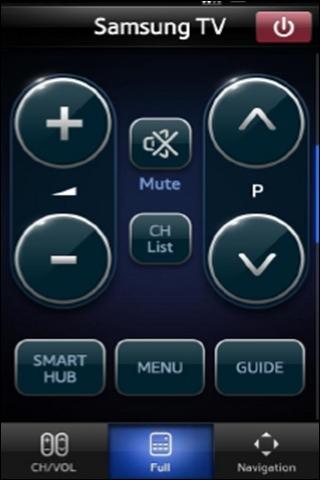
Here’s a screenshot of the Samsung menu screen when I the phone connected.
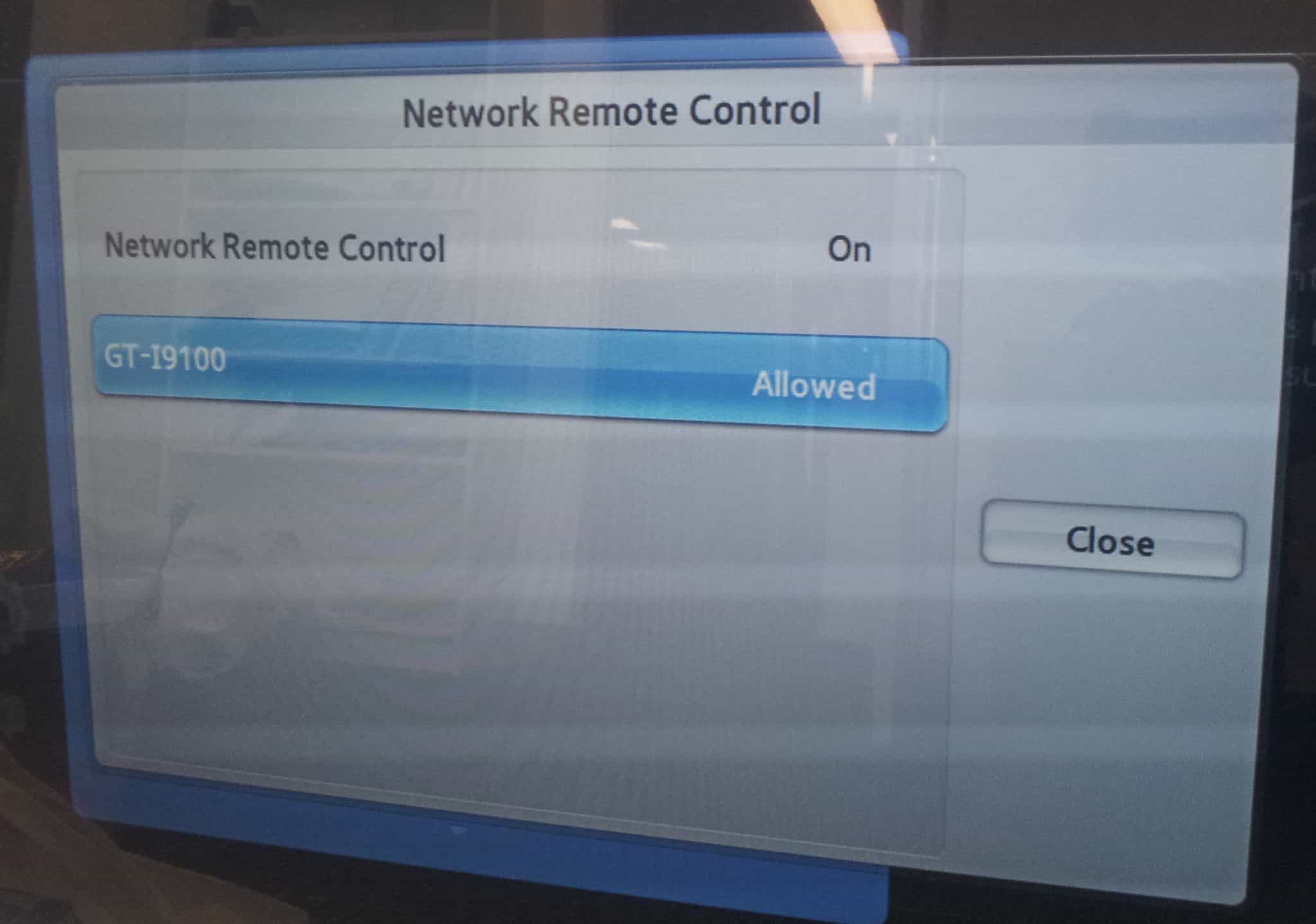
One of the drawbacks when using the app on a commercial screen is that you can’t select menu settings and there is no MagicInfo buttons. Besides that, it’s a great little app and what’s funny is that I kept pointing the phone to the screen.
© AdvertiseMe.com.au for , 2012. |
Permalink |
No comment |
Article Source: http://www.digitalsignageblog.com/2012/11/16/samsung-virtual-remote-control/
Visit the Digital Signage Blog
About our Sponsor:

Advertise Me is a privately owned Australian company specialising in all aspects of digital signage solutions.
Our team of highly skilled professionals is able to introduce innovative ways for businesses to communicate with their intended audiences for a variety of purposes including informing, educating, entertaining and selling.
You can expect us to:
- offer the most affordable and cost effective solutions tailored to your specific business needs.
- provide you with concise and accurate information and will ensure that you understand and are comfortable with our proposals.
- strive to make our clients happy and successful.
We have partnered with a number of key reputable organisations and will continue to build further partnerships to deliver the most effective solutions for our customers.


Digital Signage Blog – our thoughts, interesting news and articles, interviews and case studies in the digital signage industry