

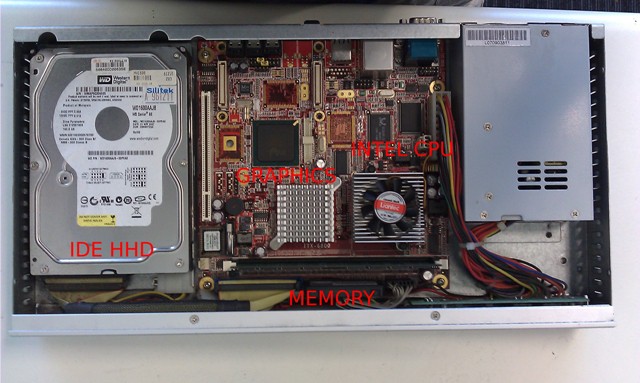
This week we were up to no good and opened up two digital signage players to have a look to see what is inside the unit. Here’s some pictures of what we discovered:
 |
 |
| Digital Signage player 1 | Digital Signage Player 2 |
As you can see from the picture, these players have the same components as a computer – basically it is a computer. It has a CPU, Motherboard, PSU (Power Supply Unit), Graphics chip, HHD, Memory, Storage Drive and heat sinks/FANs.
Most of the digital signage players that we have seen have an Intel Central Processor Unit chip. The CPU requirements will depend on type of content and software you intent to use the player for. For example, if you just intent to display images and text an Intel ATOM CPU will suffice but if you need to display High Definition videos with flash and images, then a Dual Core CPU will be required.
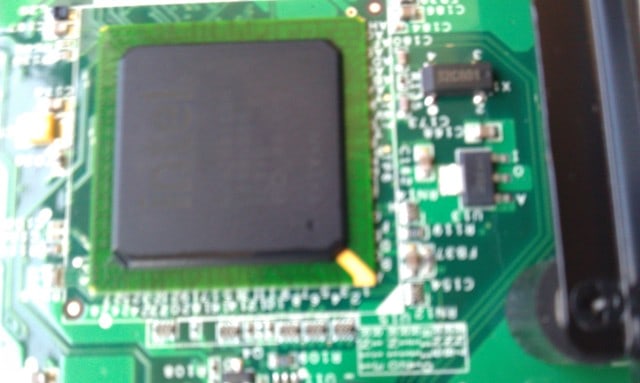
Digital Signage Player Intel CPU
In addition, the Graphics chip is also a crucial component when determining what digital signage player is required. In particular, there are different types of Graphics chips and cards that has many useful features e.g multiple video outputs (HDMI, VGA, DVI), extended or clone video (the ability to duplicate or extend the content to multiple screens)
If you intent to display lots of Videos as content, then the bigger the HHD the better. SATA is generally faster than IDE. These days, HD Videos can take up as much as Gigabytes of storage, and given that storage is quite affordable then why not have the large storage space.
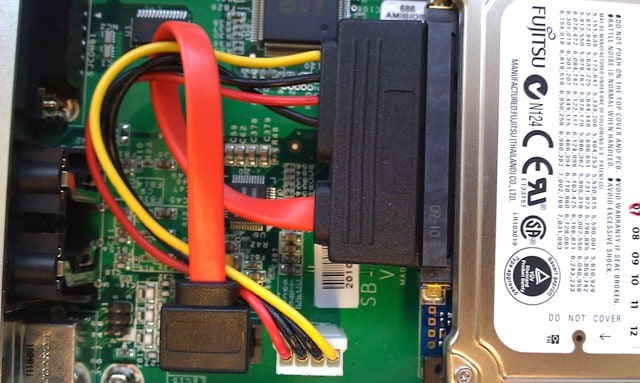
Digital Signage Player HHD
RAM (Random Access Memory) is temporary storage that loads much faster than a HHD. Memory is also cheap, so the bigger the memory the better. Obviously, costs is always a deciding factor when purchasing any type of product but before you do decide to make that final purchasing decision, make sure you thoroughly review and test the unit.
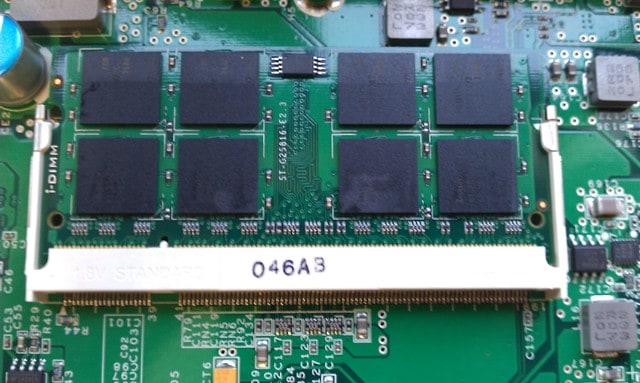
Digital Signage Player Memory
© AdvertiseMe.com.au for Digital Signage Blog, 2011. |
Permalink |
No comment |
Post tags: Central Processor Unit, Cpu Motherboard, Cpu Requirements, digital signage player, Dual Core Cpu, Gigabytes, Graphics Chips, Heat Sinks, Intel, Intel Chip, Intel Cpu, Memory Storage, Nbsp, Peek, Player 1, Power Supply Unit, Random Access Memory, Sata, Storage Drive, Storage Space, Temporary Storage, Unit Graphics, Vga, Video Outputs
Article Source: http://www.digitalsignageblog.com/2011/05/02/pulling-apart-a-digital-signage-player/
Visit the Digital Signage Blog
About our Sponsor:

Advertise Me is a privately owned Australian company specialising in all aspects of digital signage solutions.
Our team of highly skilled professionals is able to introduce innovative ways for businesses to communicate with their intended audiences for a variety of purposes including informing, educating, entertaining and selling.
You can expect us to:
- offer the most affordable and cost effective solutions tailored to your specific business needs.
- provide you with concise and accurate information and will ensure that you understand and are comfortable with our proposals.
- strive to make our clients happy and successful.
We have partnered with a number of key reputable organisations and will continue to build further partnerships to deliver the most effective solutions for our customers.


Digital Signage Blog – our thoughts, interesting news and articles, interviews and case studies in the digital signage industry